Gel Image Straightener corrects tilted bands in gel electrophoresis and western blot images. Draw a line along a band that should be horizontal, and the app rotates the entire image to straighten it. Processing is done entirely on your Mac — no data leaves your computer.
Features
Supports TIFF, JPEG, and PNG images
Full 16-bit TIFF support preserving original bit depth and dynamic range
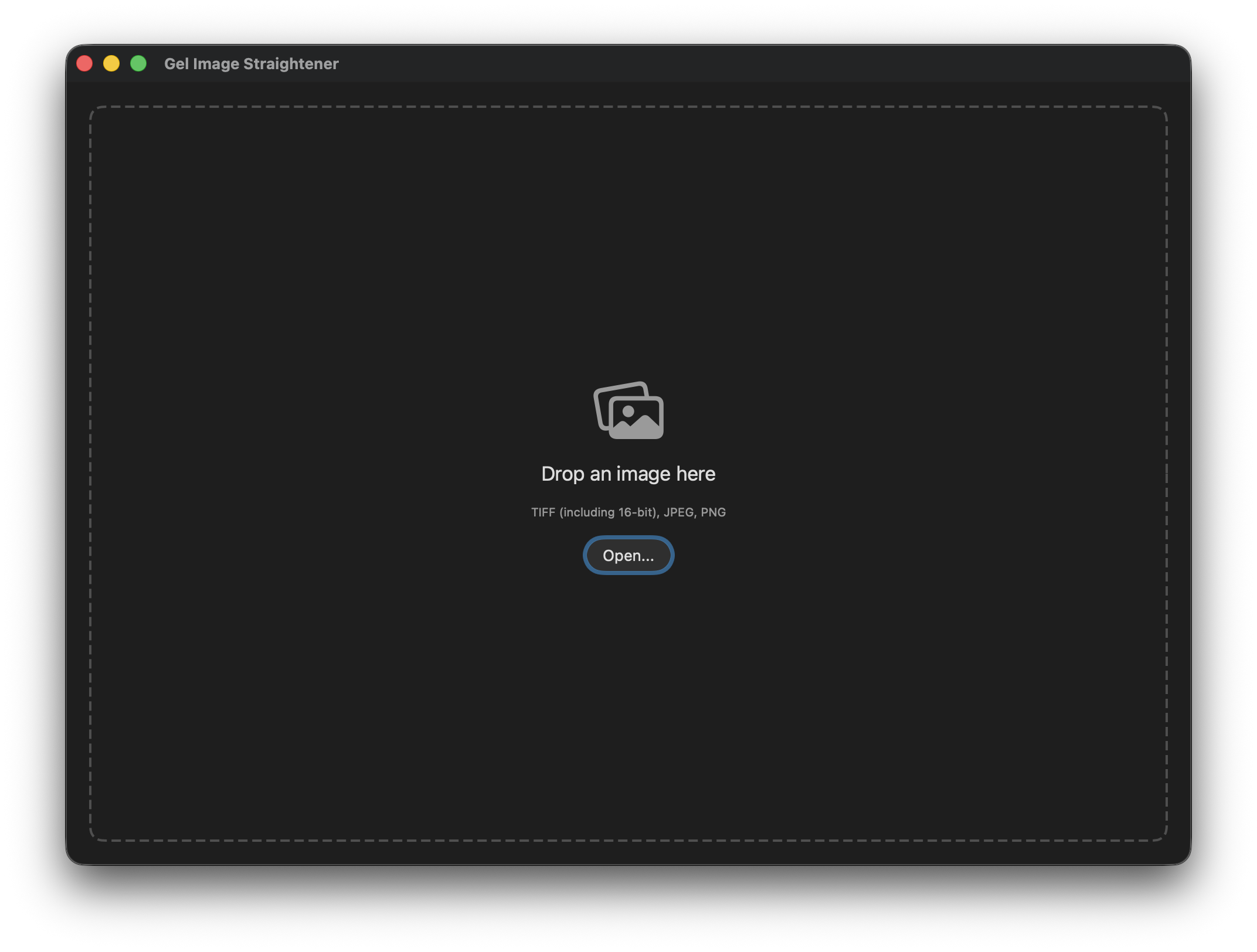
Drag-and-drop or File > Open to load images
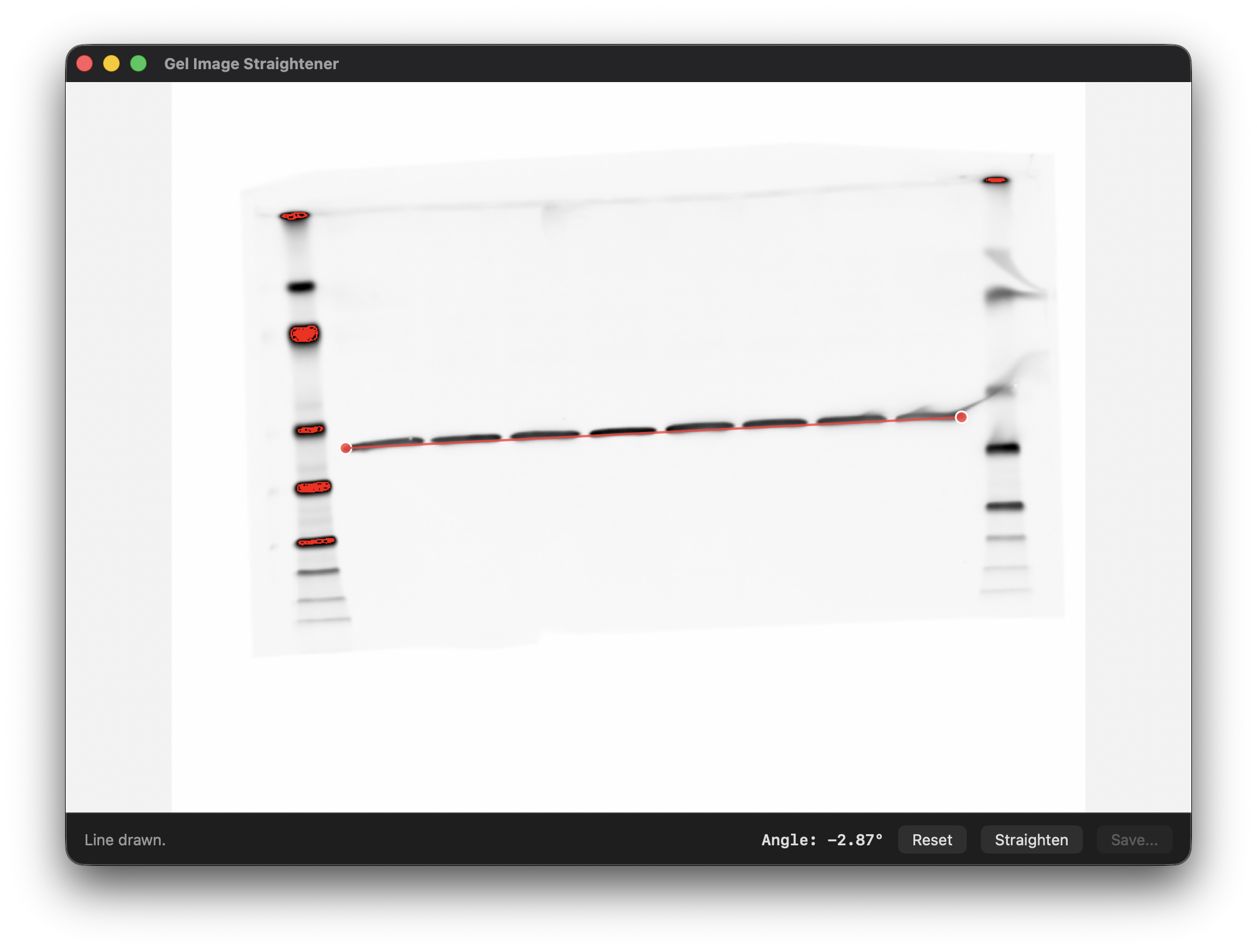
Live angle preview as you position the line
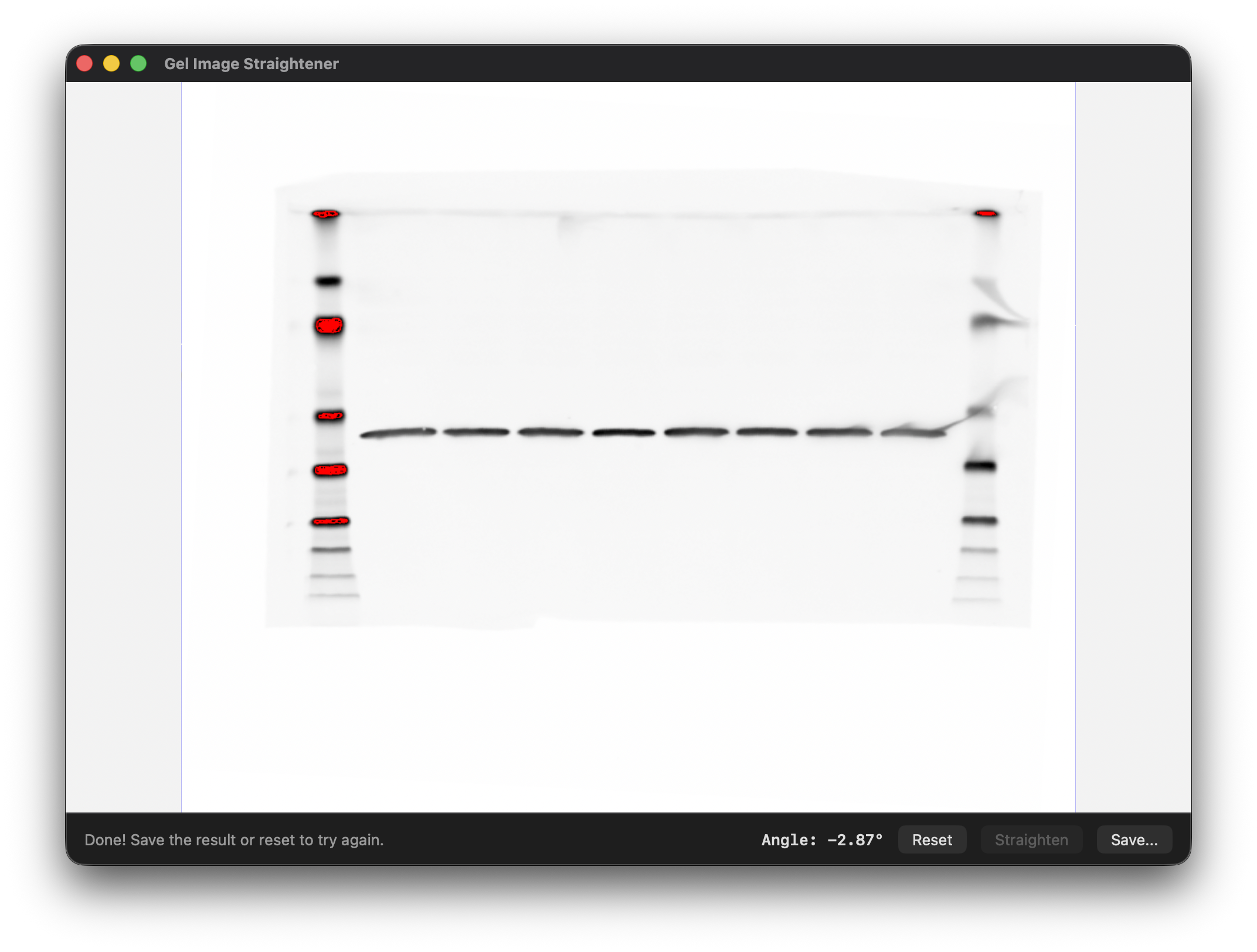
Expanded canvas with white fill so no image content is lost
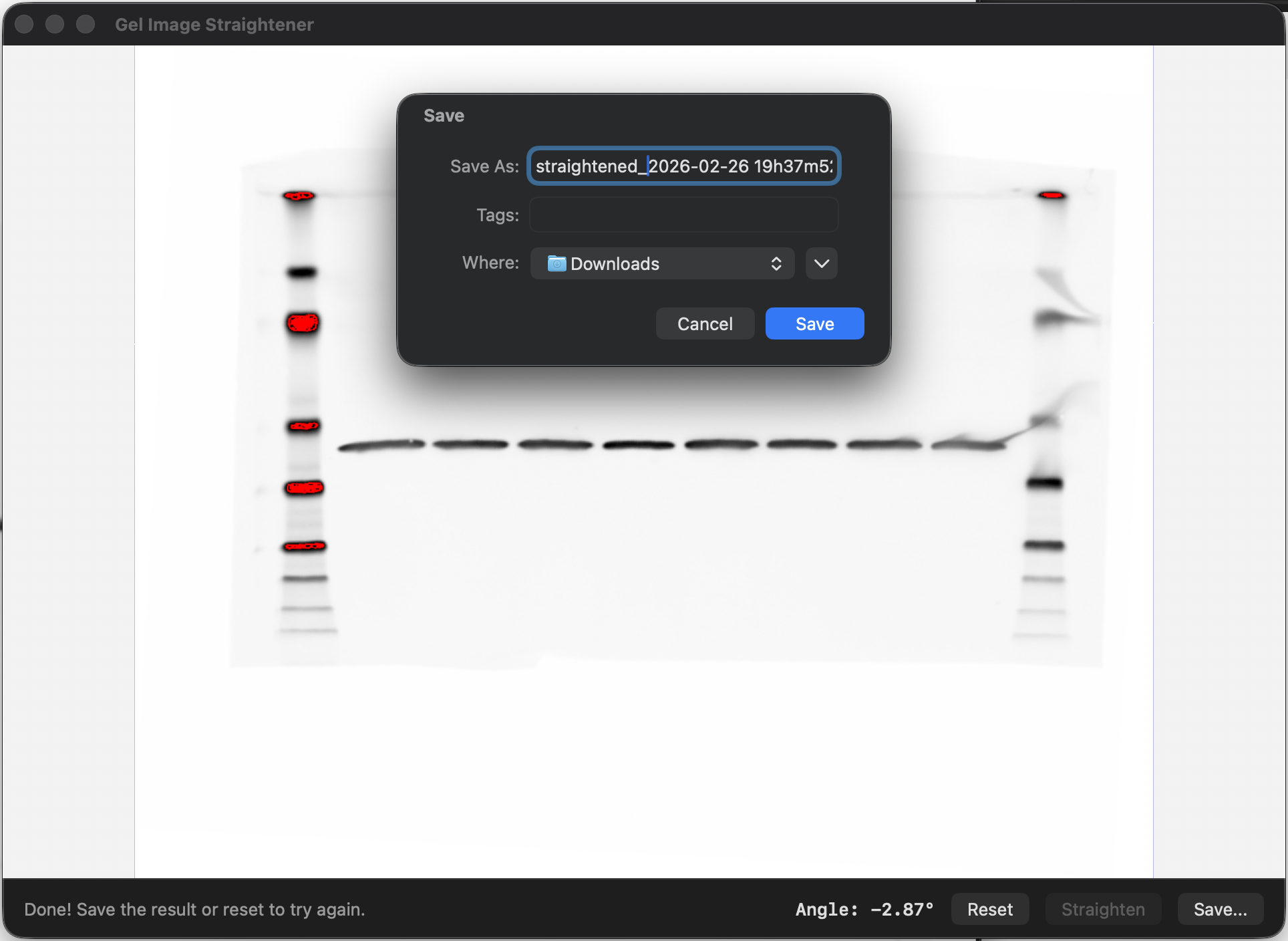
Saves in the original format
Runs natively on Apple Silicon and Intel Macs
How to use
Open an image by dragging it onto the window or using File > Open
Click two points along a band that should be horizontal
Click Straighten to rotate the image
Click Save to export the corrected image
The click order does not matter. The app works with any image orientation and normalizes the angle so bands are always leveled correctly.
Requirements
macOS 13.0 (Ventura) or later. No additional software or dependencies required.